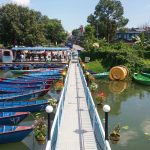
Fewalake: The paradise -Nepal
Samsung J5 No filter

Samsung J5 No filter
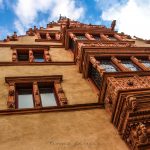
Taken with a Canon Rebel ESL1 with a 50mm prime Canon lens and edited with Lightroom.
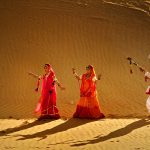
Used Nikon D90 DSLR with 18-105Vr Kit lens Edited by Adobe Photoshop CS 5 Extended
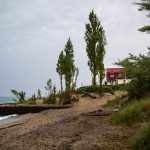
This photo was taken with a Canon Mark IV, and a Tamron 28-75 lens, and the brightness was adjusted in Lightroom.
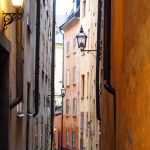
I took this photo with an Olympus OM-D EM10 Mark II using the M. Zuiko Digital 25 mm f/1.8 lens. I used Adobe Lightroom to edit this photo. I used several presets–Punch, Auto Tone, Direct Positive, and Sharpen Scenic. I then adjusted the shadows, highlights, clarity, shadows, and vibrance to my specifications. No filter used!
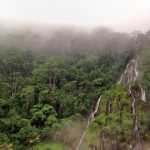
iPhone 6, lighting adjusted through Snapseed, Lightroom
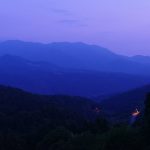
I used a Panasonic Lumix DMC FZ-1000 bridge camera. I really liked the different shades of blue in the dusk, and focused on the streetlight that you can see in the bottom right corner. I haven’t used any filters, just the manual focus.
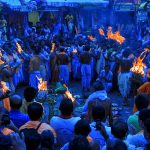
Taken with Nikon D300 with Tamron 17-50 mm /2.8 lens . Color vibrated and adjusted the exposure with Adobe Photoshop CC
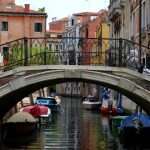
I took this photo on my DSLR Canon t5i with an 18-55 mm lens. I used the “Manual” setting, manual focus, and an ISO of 200. I adjusted the exposure (brightness, highlights, shadows, contrast) with PicMonkey, an online photo editing site. I also slightly adjusted the saturation of the photo. I waited until there were … Continued
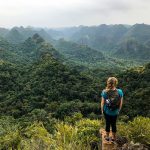
This photo was taken with my iPhone 7Plus. I didn’t use any filters to alter the shot, but I did use Lightroom. I adjusted the contrast to bring out the green of the hills and used the vibrance spectrum to add a little more green.